Google Play Store PC
Google Play is Google's digital distribution platform. On Windows, Google offers Play content through the browser and Google Play Games on PC.
52.9 MB
Microsoft Store is the free app marketplace built by Microsoft for Windows. The current version is 22608.1401.3.0.
Average 0.0 · ratings: 0
Thank you! Your rating is saved; you can change it. Could not save the rating. Please try again later. Too many ratings from your network today. Please try again tomorrow. The average appears after 5 ratings.
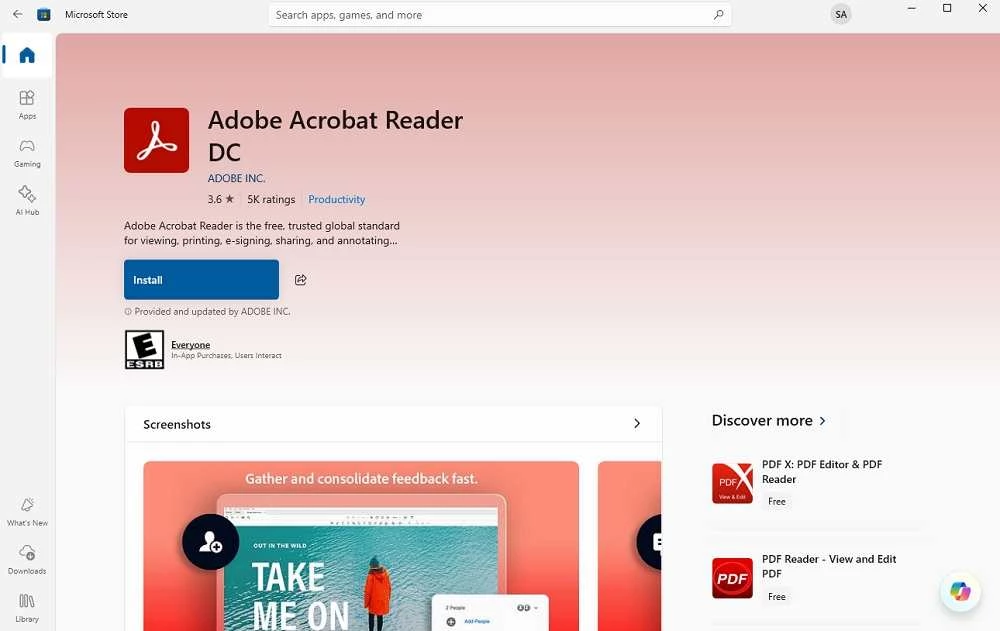
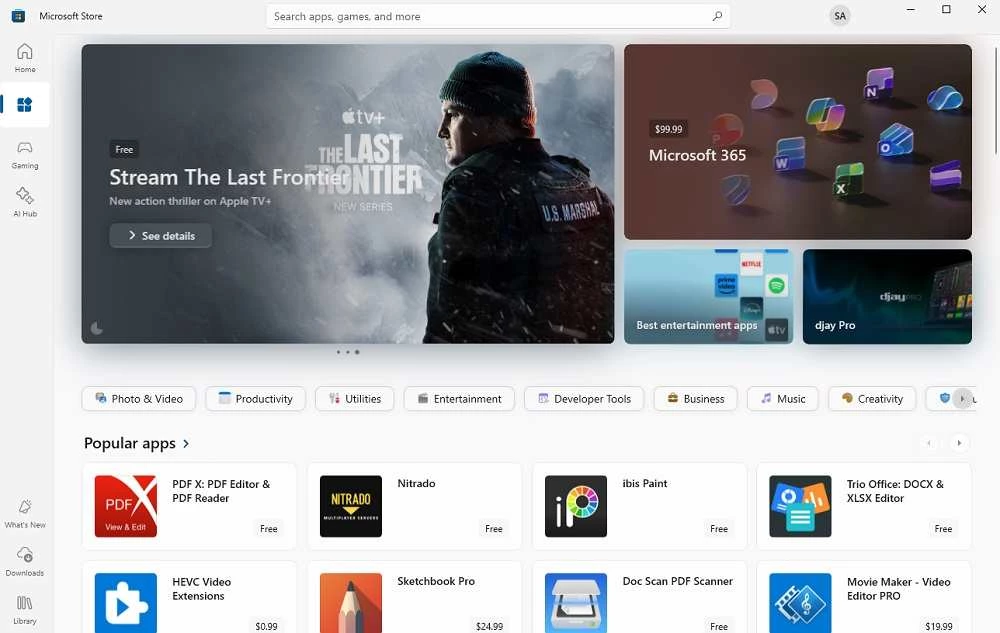
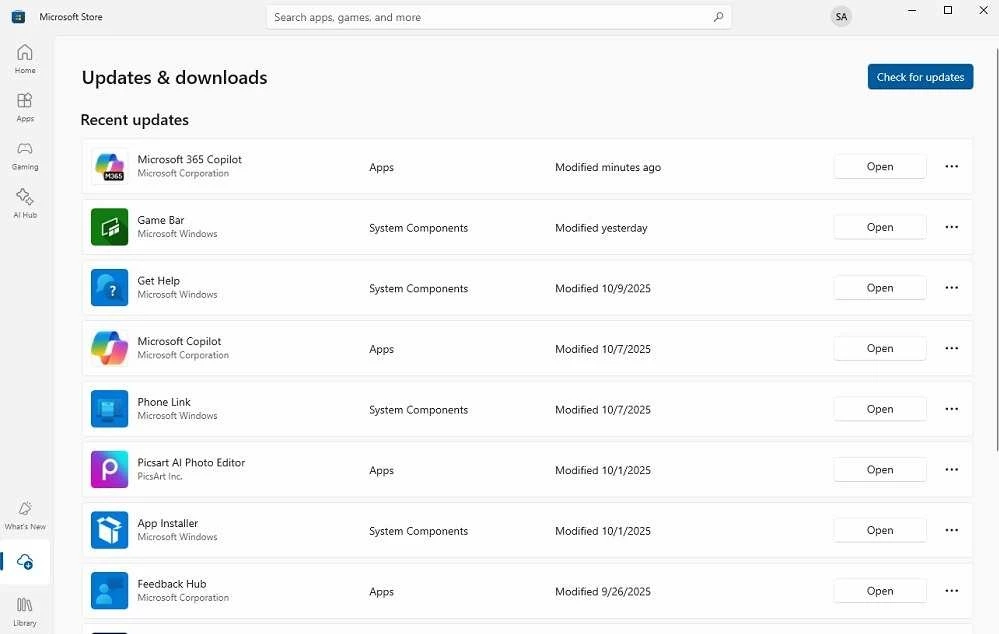
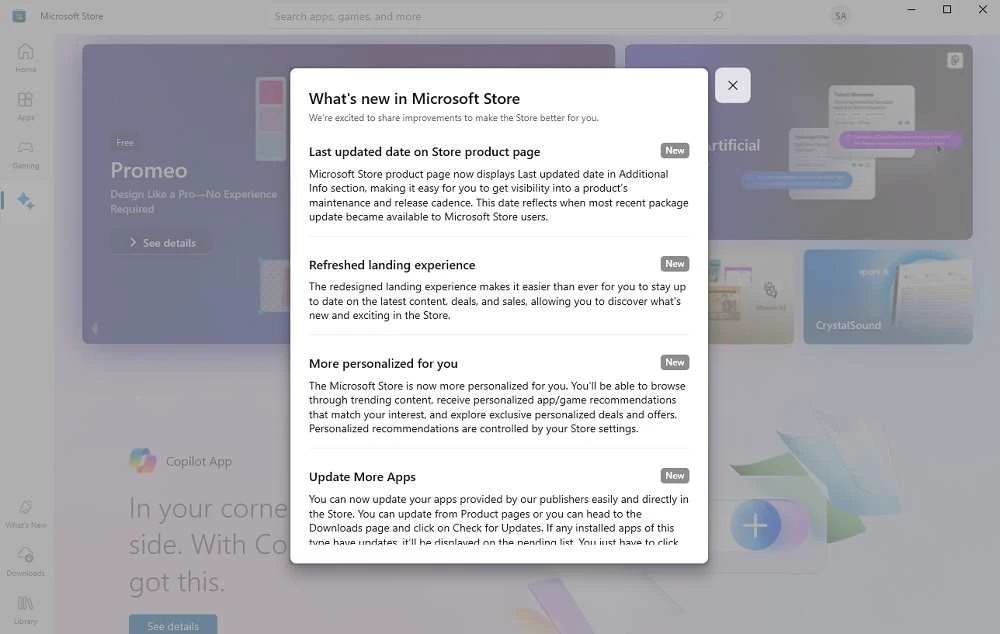
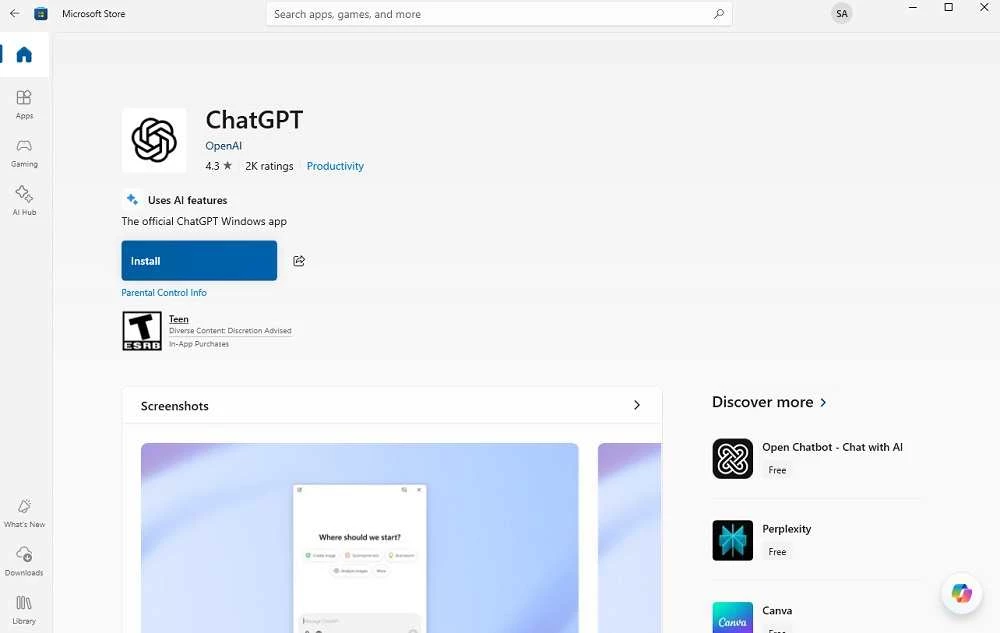
Microsoft Store 22608.1401.3.0 is the current build of Microsoft's app marketplace for Windows, and it is free. On most PCs you do not need to download it at all; according to catalogue data, the package is about 126.86 MB, and it matters when the Store is missing, broken or stuck on an old version.
This page explains what the Store does, how to get it back and where the official download and help pages are.
Microsoft opened its store in 2011, and today Wikidata describes it as a digital distribution platform operated by Microsoft. In practice it is one place to find, install and update apps, games and films on Windows 10, Windows 11, Windows Server and Xbox consoles. The advantage over downloading installers from random sites is control: apps from the Store install without setup wizards, update themselves in the background and can be removed cleanly from Settings. Many well-known programs, including Discord, Opera and X, are published there, so the Store often works as a safer shortcut to software you would otherwise fetch from a website. The client itself is written in C# with a XAML interface, which is why it looks like the rest of modern Windows.
The Library section lists everything you have installed and shows pending updates. Microsoft describes the process on its page about getting updates for apps and games. If an update hangs, signing out and back in, or simply restarting the Store, usually clears it.
The Store is free, and so are many apps in it; paid apps and games show their price before you buy. Use it under the standard Microsoft end-user license agreement. Never download a “Microsoft Store installer” from a third-party site: the only trustworthy sources are Windows itself and Microsoft's own pages.
A PC running Windows 10 or Windows 11, a Microsoft account for purchases and some free space for the package. The Store is compatible with both home and work editions of Windows, although administrators can switch it off on company PCs.
Google Play is Google's digital distribution platform. On Windows, Google offers Play content through the browser and Google Play Games on PC.
Media Creation Tool is a free Microsoft utility that downloads Windows and turns it into a bootable USB flash drive or an ISO file.

LDPlayer is an Android emulator for Windows that runs mobile apps and games on a computer.

BlueStacks is an Android emulator for Windows that lets you run Android apps and games on your PC.
Rufus is a free Windows utility that turns a USB stick into a bootable installer. The current version is 4.15.

PC App Store is a free software store for Windows from Baidu for finding, installing and updating PC programs. This page covers version 5.0.1.8682.

Uptodown App Store for Windows is the desktop client of Uptodown, a marketplace for desktop software and mobile apps. This page covers version 1.0.3.
NoxPlayer is a free Android emulator from Bignox for Windows and macOS that runs mobile games and apps on a computer with keyboard and mouse control.